

 English


Jan 9, 2026
Full ASIN Profit Breakdown on Shopkeeper
How do you find historical sales for an ASIN on Amazon?
-
Log in at https://sellercentral.amazon.com/home
-
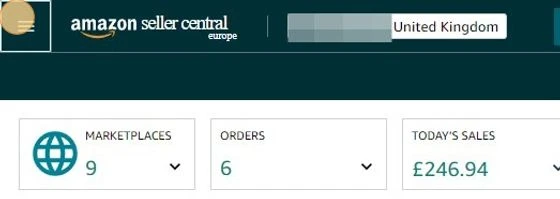
Click the menu icon
-
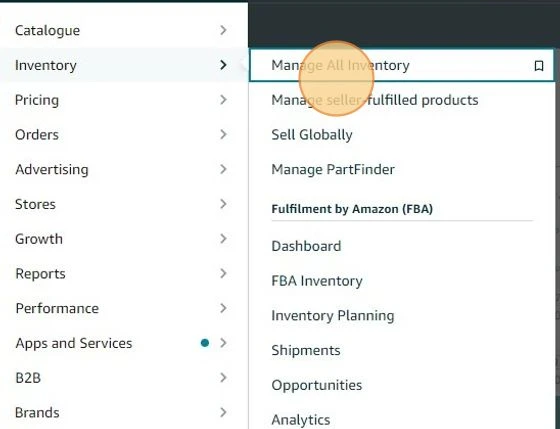
Click "Manage All Inventory"
-
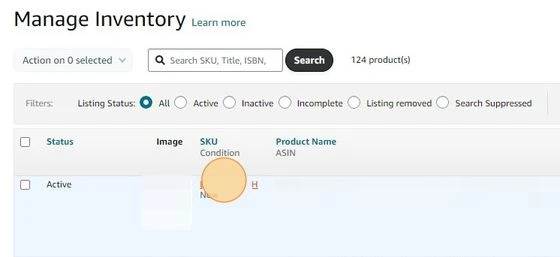
Select the SKU you want to see sales data for
-
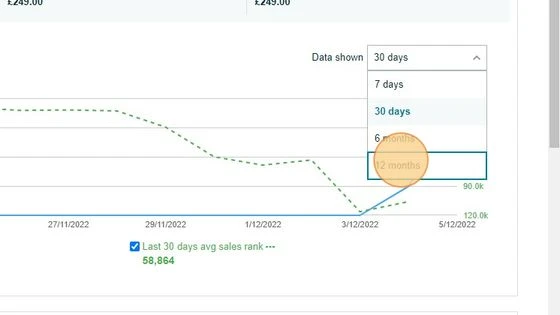
And select the date range - (note that Amazon only offer 7 days, 30 days, 6 months, or 12 months. )
-
You’ll then be given a graph with sales data for that time period
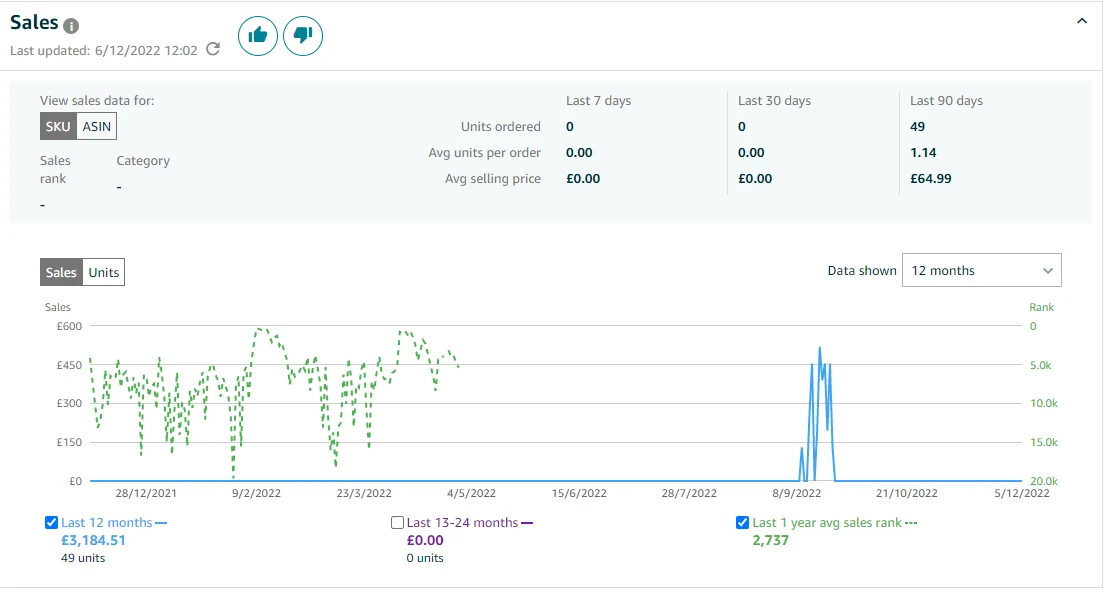
But what does this really tell you?
It shows the number of units sold, total revenue, and average selling price… and that’s it.
No info on costs and most importantly - no info on profitability (what really matters)!
And this is where Shopkeeper comes into play.
On your Sales page, you can see a full financial breakdown for any ASIN/SKU over any time period.
And we really mean any - you’re not limited to 7 days, 30 days, 6 months, and 12 months like in Seller Central!
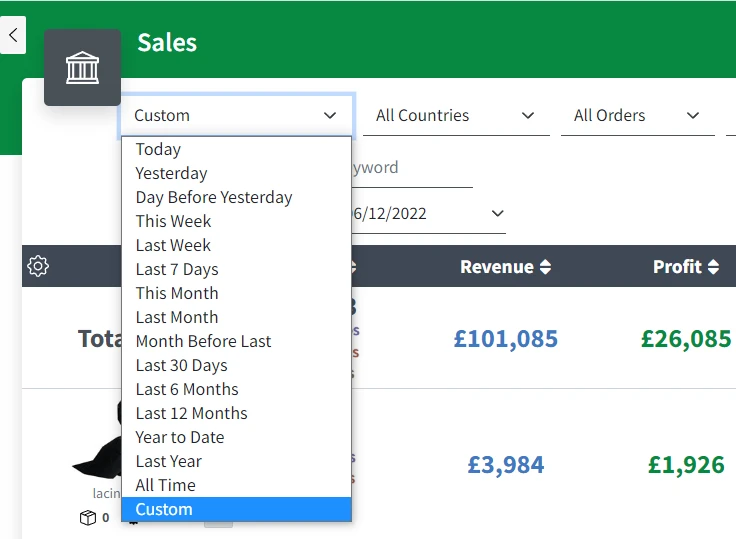
Once you’ve selected your date range and any other filters, you’ll be shown revenue, profit, and margin/ROI by ASIN.
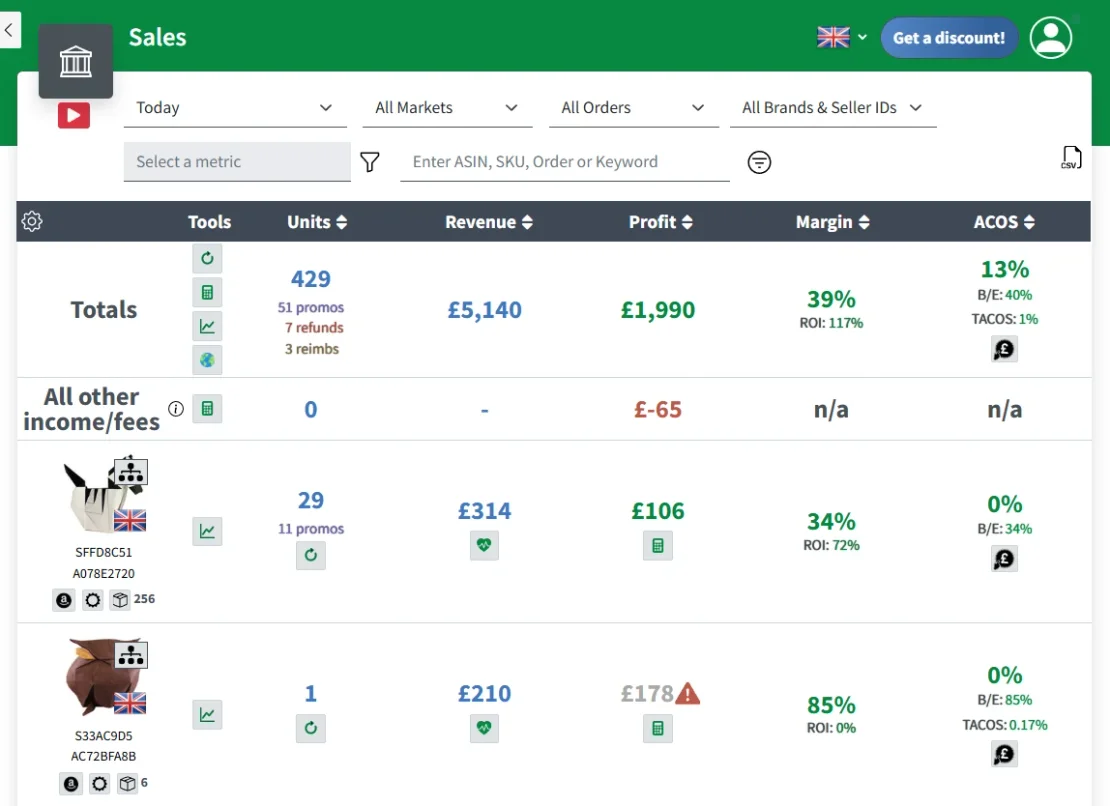
You can also get a full profit breakdown for any ASIN, by clicking either the profit number:
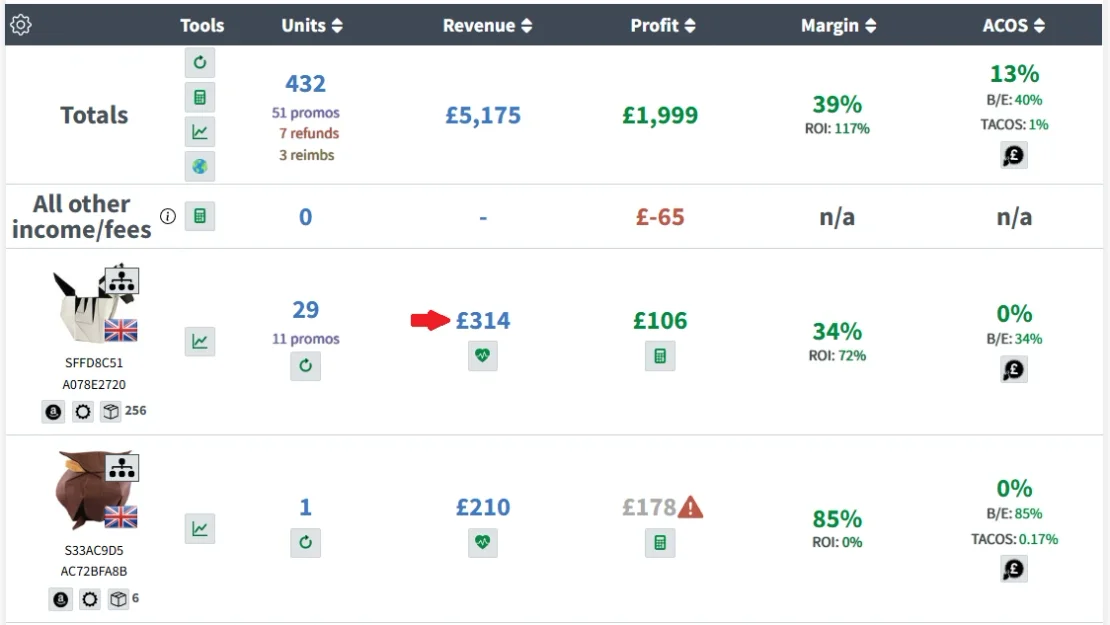
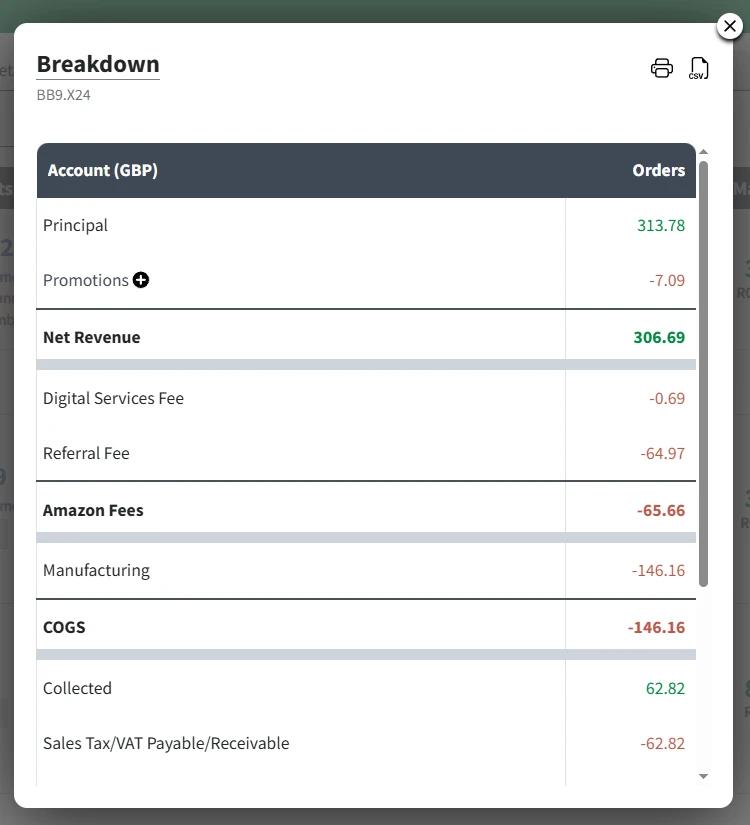
In this Breakdown pop-up, you’ll see every ASIN attributable cost, including all fees, PPC spend, refunds and reimbursements, etc, to give you the most accurate profit figures possible - the Shopkeeper way!
Click here to go to your Sales page now and see your true profit.


