

 English


Dec 2, 2022
How to Protect Your Amazon Product Information using Shopkeeper
Every Amazon seller has been there - having to tediously edit a screenshot before you can send or post it, and double and triple checking it to make sure you haven’t revealed any priceless product information.
After all what could be worse than accidentally revealing your products to the masses on Twitter or Facebook?
But with Shopkeeper this isn’t something you have to worry about, with our one-click Presentation Mode.
To turn on Presentation Mode on Shopkeeper, simply:
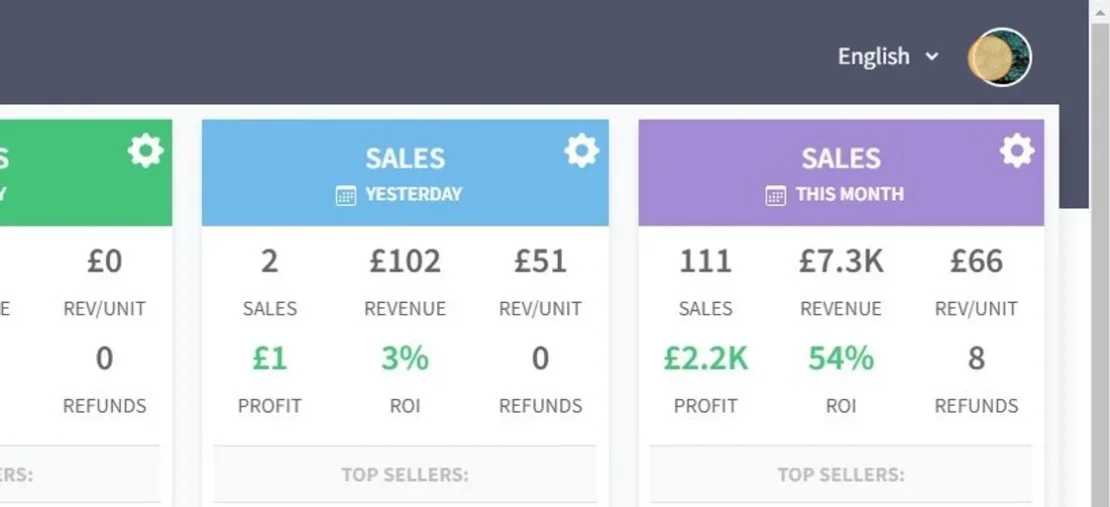
1. Click the image icon in the top right
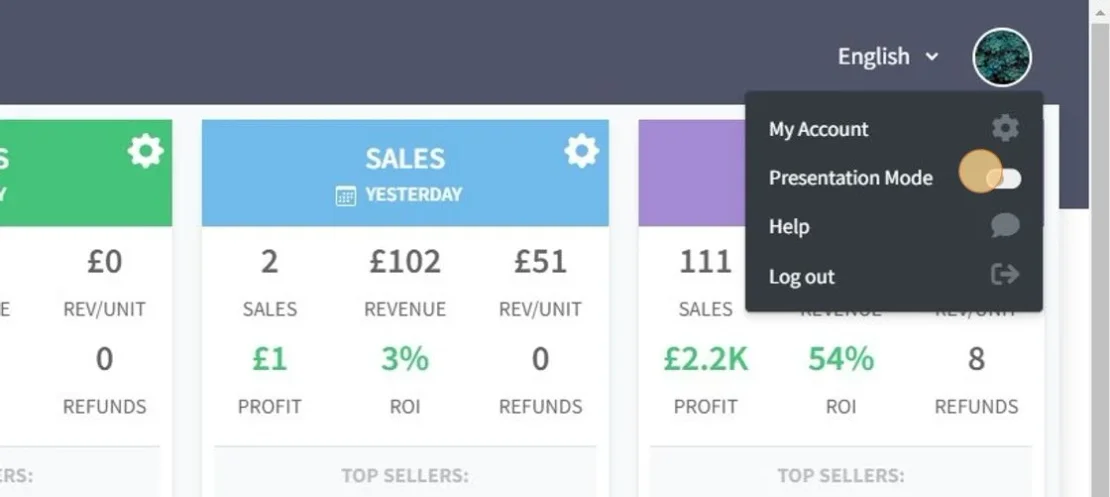
2. Toggle "Presentation Mode" on
And that’s it! All your product images are now replaced with origami figures and all ASIN/SKU and any other product info is also anonymized.
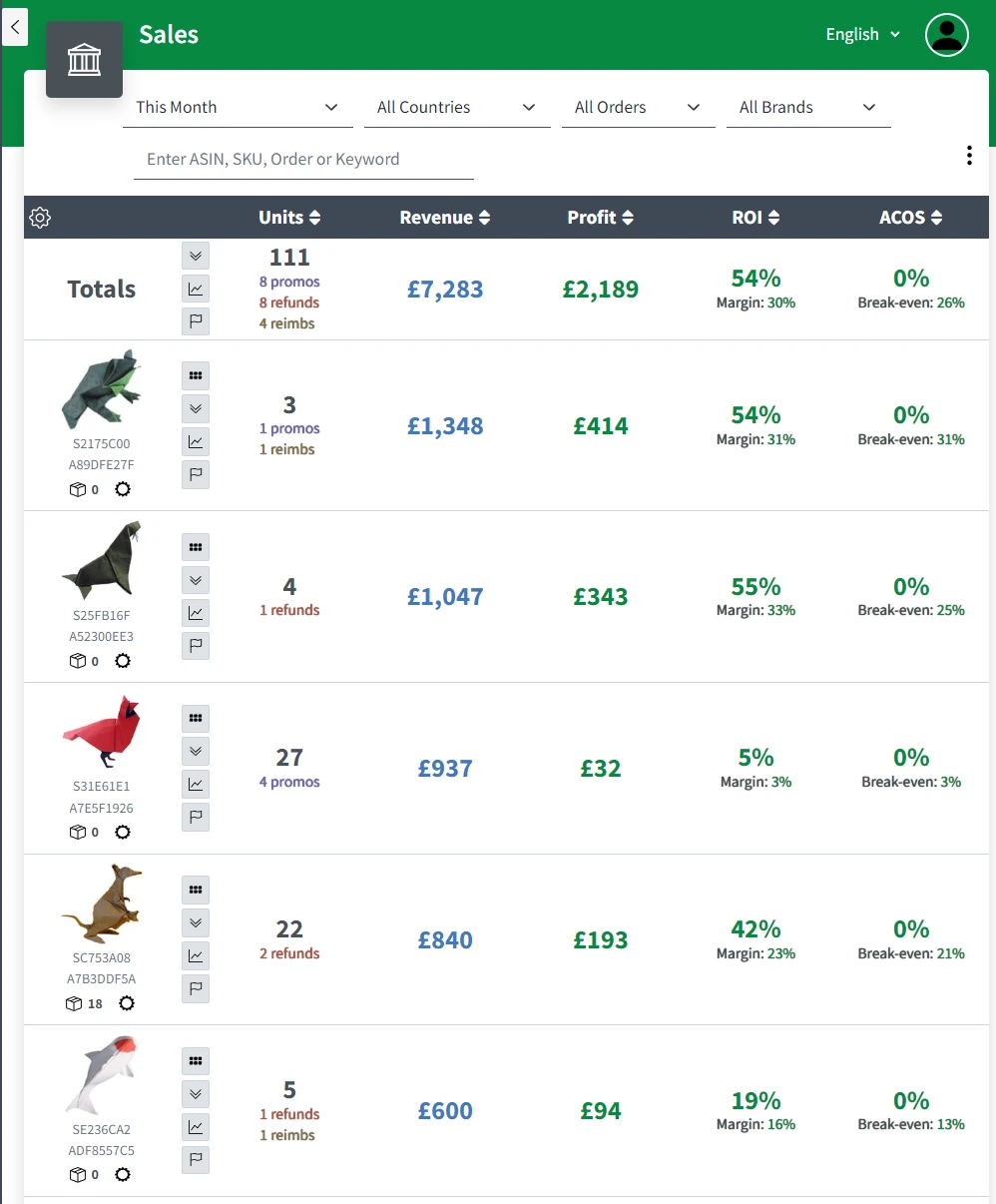
And this applies across all pages in Shopkeeper - your Dashboard, Sales page, Listing Health, etc.
With Shopkeeper - you can screen share and screenshot as much as you want, without having to worry about revealing your product information!
Now, time to share some sales progress pictures on Twitter!


